

How to Install IPTV on Any Device: Complete 2026 Setup Guide
Setting up IPTV for the first time can seem confusing, but it’s actually simple once you know the steps. Whether you’re using a Firestick, Smart TV, Android box, iPhone, or MAG device, this guide will walk you through the entire process in under 10 minutes.
What You Need Before You Start
Before installing IPTV, make sure you have:
- An active PAC IPTV subscription or free trial
- Your login credentials (username, password, and server URL)
- A stable internet connection (10+ Mbps for HD, 25+ Mbps for 4K)
- Your device connected to the internet
Method 1: Install IPTV on Amazon Firestick
The Firestick is the most popular device for IPTV in the UK. Here’s the easiest way to set it up:
Step 1: Enable Apps from Unknown Sources
- Go to Settings on your Firestick home screen
- Select My Fire TV (or Device)
- Click Developer Options
- Turn on Apps from Unknown Sources
Step 2: Install Downloader App
- From the Firestick home screen, search for Downloader
- Install the app (it’s free and official from Amazon)
- Open Downloader
Step 3: Install IPTV Smarters Pro
- In Downloader, enter this URL:
https://www.iptvsmarters.com/smarters.apk - Wait for the download to complete
- Click Install when prompted
- Open IPTV Smarters Pro once installed
Step 4: Enter Your PAC IPTV Credentials
- Select Login with Xtream Codes API
- Enter these details from your welcome email:
- Any Name: PAC IPTV
- Username: Your PAC IPTV username
- Password: Your PAC IPTV password
- Server URL: Your M3U server URL
- Click Add User
- Wait 10-20 seconds for channels to load
Done! You now have access to 50,000+ channels. Browse Live TV, Movies, and Series from the main menu.
Method 2: Install IPTV on Samsung/LG Smart TV
Smart TVs are perfect for IPTV because you don’t need any extra devices. The setup is slightly different for Samsung and LG:
For Samsung Smart TV (Tizen OS)
- Press the Home button on your remote
- Open the Samsung App Store (Smart Hub)
- Search for Smart IPTV or SS IPTV
- Install the app
- Open the app and note the MAC address displayed on screen
- Visit
https://siptv.app/mylist/on your phone or computer - Enter your MAC address and M3U playlist URL from your PAC IPTV welcome email
- Click Submit
- Return to your TV and restart the Smart IPTV app
- Your channels will load within 30 seconds
For LG Smart TV (webOS)
- Press the Home button on your Magic Remote
- Open the LG Content Store
- Search for SS IPTV or Smart IPTV
- Install and open the app
- Go to Settings in the app
- Select Content and enter your M3U playlist URL
- Save and refresh
Method 3: Install IPTV on Android TV Box
Android TV boxes like Nvidia Shield, Xiaomi Mi Box, and generic Android boxes offer the most flexibility.
Using IPTV Smarters Pro (Recommended)
- Open Google Play Store on your Android box
- Search for IPTV Smarters Pro
- Install and open the app
- Select Login with Xtream Codes API
- Enter your PAC IPTV credentials (same as Firestick instructions above)
- Click Add User and wait for channels to load
Using TiviMate (Premium Option)
- Install TiviMate from Google Play Store
- Open the app and select Add Playlist
- Choose Xtream Codes
- Enter your PAC IPTV username, password, and server URL
- Enjoy the premium EPG and recording features
Method 4: Install IPTV on iPhone & iPad
iOS users have fewer app options, but the available ones work perfectly:
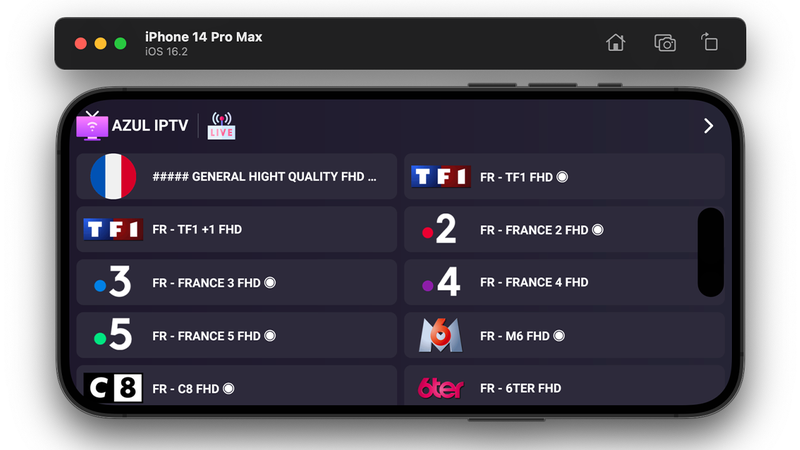
Using GSE SMART IPTV
- Open the App Store
- Search for GSE SMART IPTV
- Install the app (free version works fine)
- Open the app and tap the + button
- Select Xtream Codes API
- Enter your PAC IPTV credentials
- Tap Add and wait for the playlist to load
Using IPTV Smarters (iOS)
- Install IPTV Smarters from the App Store
- Open and select Login with Xtream Codes API
- Enter your credentials
- Start watching on your iPhone or iPad
Method 5: Install IPTV on MAG Box
MAG boxes (MAG 254, MAG 322, MAG 424) are purpose-built for IPTV and offer the most stable experience.
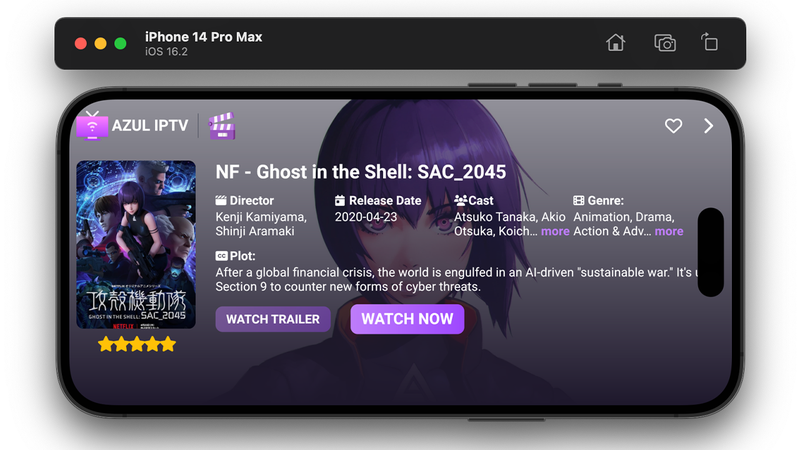
- Turn on your MAG box and connect it to your TV and internet
- Go to Settings → System Settings → Servers
- Select Portals
- In Portal 1 URL, enter your PAC IPTV server URL
- In Portal 1 Name, enter PAC IPTV
- Save and restart your MAG box
- Your channels will load automatically
Troubleshooting Common IPTV Setup Issues
Channels Won’t Load
- Check your internet speed at
fast.com– you need at least 10 Mbps - Make sure you entered credentials exactly as provided (case-sensitive)
- Try restarting the app or device
- Verify your subscription is active
Buffering or Freezing
- Switch from Wi-Fi to Ethernet cable if possible
- Restart your router
- In your IPTV app, change the decoder to Hardware or Software
- Close other apps using internet (Netflix, downloads)
Login Failed
- Double-check username and password (copy-paste from email)
- Ensure there are no extra spaces
- Contact PAC IPTV support via WhatsApp for a credentials reset
Which Device Is Best for IPTV?
| Device | Ease of Setup | Performance | Best For |
|---|---|---|---|
| Firestick 4K Max | Easy | Excellent | Most users – best value |
| Smart TV (Samsung/LG) | Medium | Good | No extra device needed |
| Android TV Box | Easy | Excellent | Power users & 4K |
| iPhone/iPad | Easy | Good | Mobile viewing |
| MAG Box | Medium | Excellent | Dedicated IPTV users |
Ready to Start Watching?
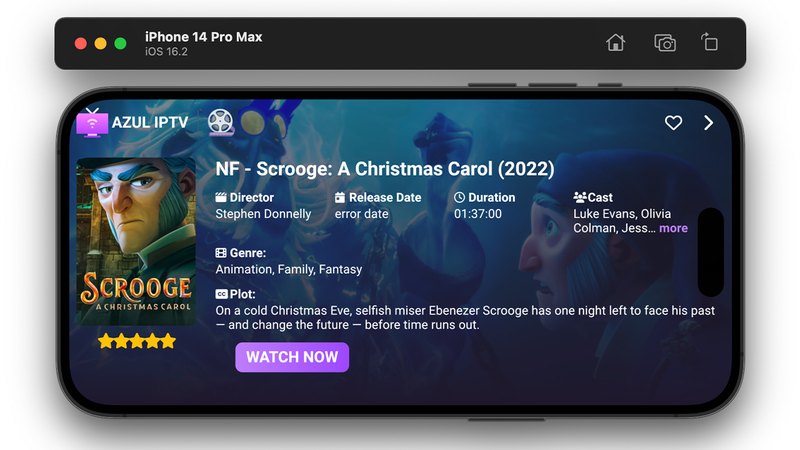
Now you know how to install IPTV on any device. The next step is getting your subscription. Not sure yet? Try PAC IPTV completely free for 24 hours – no credit card needed.
Get Free IPTV Trial Now View Pricing Plans
No credit card required. Instant activation. Works on all devices.