
How to Install IPTV Smarters Pro on Firestick
Step-by-step guide to install IPTV Smarters Pro on your Amazon Firestick and start streaming live TV, movies, and sports in minutes.
What Is IPTV Smarters Pro?
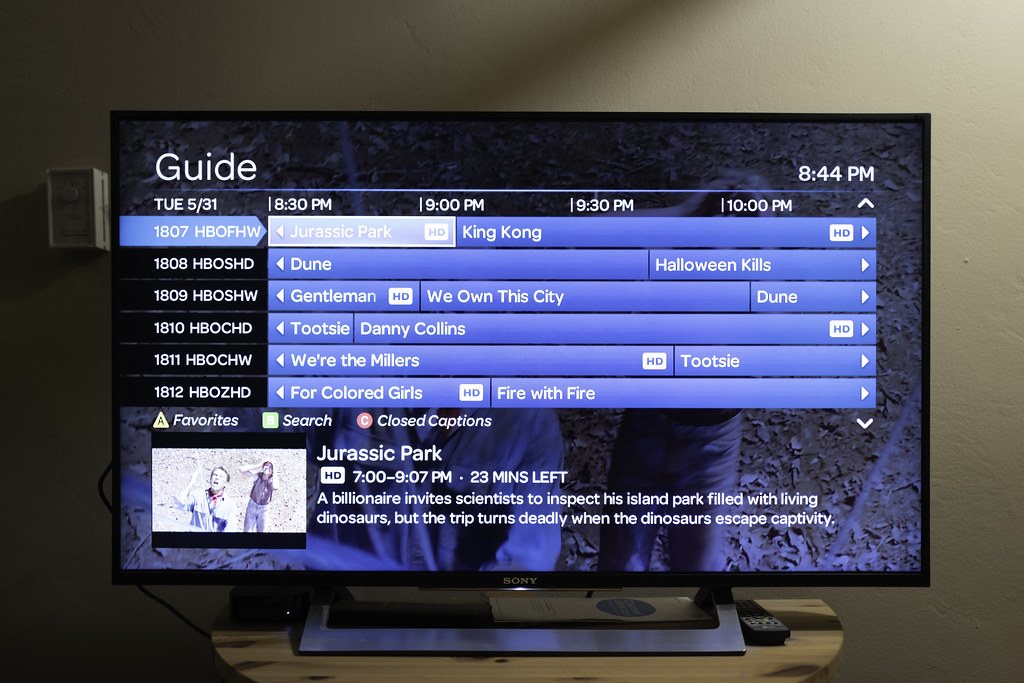
IPTV Smarters Pro is one of the best IPTV players available for Firestick. It supports M3U playlists and Xtream Codes API, giving you access to thousands of live TV channels, movies, and series. It features a clean interface, multi-screen support, EPG (Electronic Program Guide), and works seamlessly on Amazon Fire TV devices.
What You Need Before You Start
- Amazon Firestick (any generation) or Fire TV Cube
- A stable Wi-Fi connection (minimum 10 Mbps for HD streaming)
- An active IPTV subscription with M3U URL or Xtream Codes
- Your IPTV username and password from your provider
If you do not have an IPTV subscription yet, check out PaciPTV for premium IPTV service with 18,000+ channels.
Step 1: Enable Apps from Unknown Sources
Since IPTV Smarters Pro is not on the Amazon App Store, you need to allow installation from unknown sources first:
- Go to your Firestick Home screen
- Click Settings (gear icon) in the top menu
- Select My Fire TV (or Device on older models)
- Click Developer Options
- Turn ON Apps from Unknown Sources
- Confirm by clicking Turn On in the popup
Your Firestick is now ready to sideload apps.
Step 2: Install the Downloader App
The Downloader app lets you install APK files directly on your Firestick. Here is how to install it:
- From the Firestick Home screen, go to the Search icon
- Type Downloader and press the search button
- Select the Downloader app from the results
- Click Download or Get to install it
- Wait for the installation to complete
- Open the Downloader app
Note: Downloader is a free, official app available in the Amazon App Store.
Step 3: Download and Install IPTV Smarters Pro APK
Now use the Downloader app to get the IPTV Smarters Pro APK:
- Open the Downloader app on your Firestick
- In the URL field, type the APK download link provided by your IPTV provider
- Press Go to start the download
- Wait for the APK file to download (1-2 minutes)
- Once downloaded, click Install when prompted
- Wait for the installation to finish
- Click Done when complete
- Go back in Downloader and delete the APK file to free up storage
Step 4: Open and Configure IPTV Smarters Pro
Now set up your IPTV subscription inside the app:
- Find IPTV Smarters Pro in your app list and open it
- On the login screen, select Login with Xtream Codes API (recommended) or Load Playlist from URL
- If using Xtream Codes:
- Enter a Profile Name (e.g., PaciPTV)
- Enter your IPTV Server URL
- Enter your Username and Password
- Click Add User
- If using M3U URL:
- Select Load Your Playlist or File via URL
- Enter your M3U playlist URL
- Click Add User
- Wait for the channels to load (1-3 minutes)
- You are now ready to stream!
Tips for the Best Streaming Experience
- Use a wired Ethernet connection with the Firestick Ethernet Adapter for more stable streaming
- Use a VPN to bypass ISP throttling and improve speeds
- Clear app cache regularly: Settings > Applications > Manage Installed Applications > IPTV Smarters Pro > Clear Cache
- If your provider has multiple servers, try switching if you experience buffering
- Keep IPTV Smarters Pro updated to the latest version for bug fixes
- Enable hardware acceleration in the app settings for smoother 4K playback
Need a Premium IPTV Subscription?
Get PaciPTV — 18,000+ live channels, 4K quality, 99.9% uptime, and instant activation. Compatible with IPTV Smarters Pro, TiviMate, GSE IPTV, and all major players.